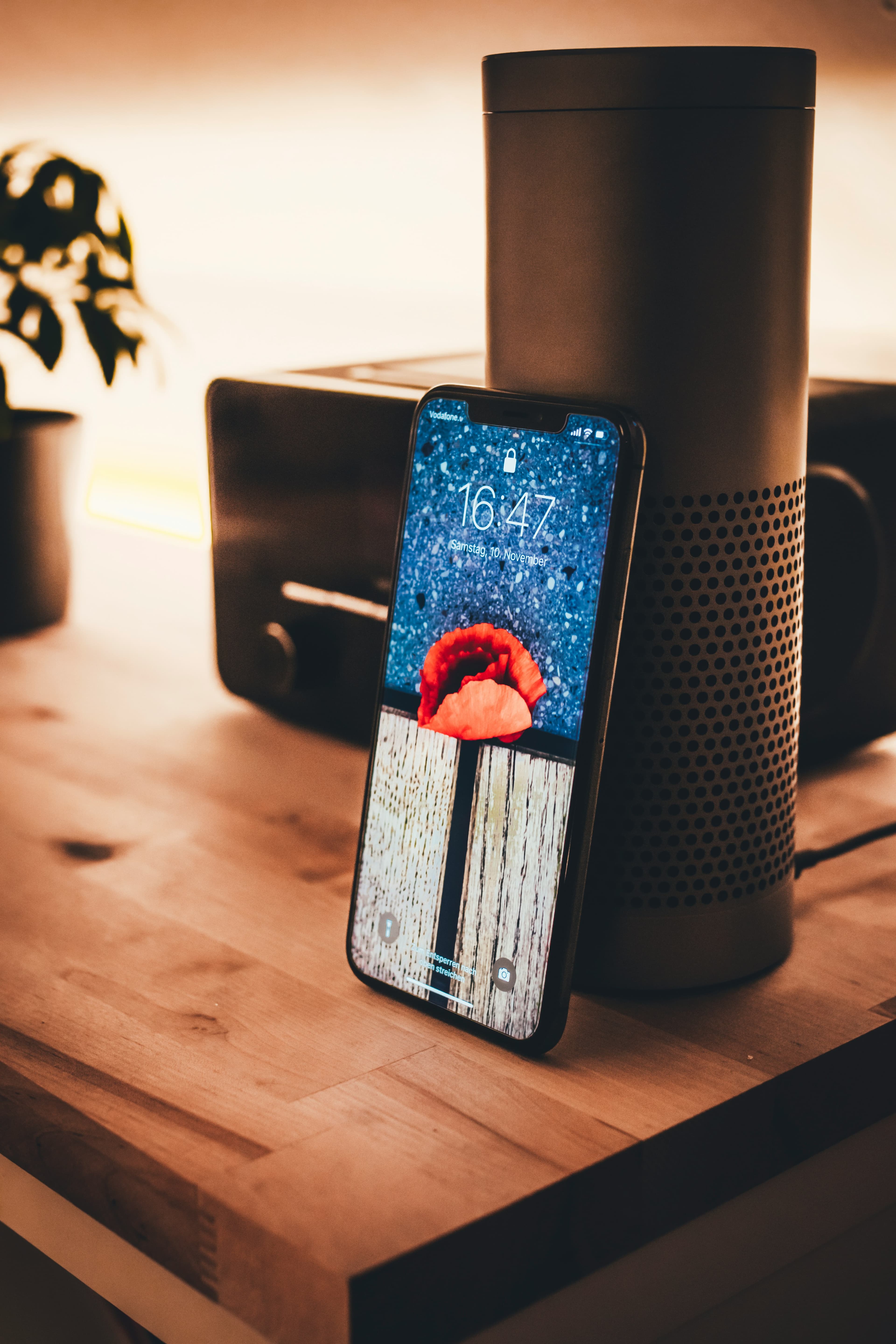
With Deep Agent Studio, one agent answers on every channel with the same rules and the same customer memory. But WhatsApp, SMS, web widget and mobile app do not play the same role. Picking the right launch order means moving faster with less effort. Here is the guide.
WhatsApp Business: the conversation channel
It is where your customers already write, at 11:47 PM as at 8:12 AM. WhatsApp carries most support: long messages, invoice or parcel photos, quick confirmations. The agent understands fuzzy requests, detects the billing intent and follows through: SMS verification, check, refund, ticket. If you open a single channel, open this one. Read and reply rates are unmatched, and every conversation feeds your insights (intents, resolution, handoffs).
SMS: the trust channel
SMS is not for chatting, it is for proving. One-time OTP codes before any refund or sensitive change, critical notifications that must arrive even offline, sober reminders. In Deep Agent Studio, SMS is natively wired to the security block of the flow: the agent sends it, checks it inside the conversation, and only then acts. With no such lock, no sensitive action — the rule that protects customers and teams.
Web widget: the conversion channel
The chat bubble on your site catches questions at hesitation time: pricing, delivery, compatibility, account. The agent answers with the same rules as on WhatsApp, but shorter and more guided. It is also your best test bench: no number needed, you publish in a minute and observe the first real intents before scaling WhatsApp.
Mobile app: webview or SDK when ready
If you already have an app, do not build a new one for support. Embed the agent via webview (fastest) or SDK for a native feel: same memory, same flows, same quotas. This channel comes second, once WhatsApp and web have validated your two or three main intents.
Your APIs and MCP tools: the invisible fuel
Channels do not resolve, your systems do. Billing, orders, subscriptions, CRM, inventory: the agent queries them through your APIs, reads, compares and triggers the planned operation. And with MCP tools, you plug in new tools with no code. Remember the equation: channel to talk, API to act, human as backup.
Where to start: the recommended sequence
- Week 1: web widget + one intent (billing). You collect real messages with no risk.
- Week 2: open WhatsApp Business, enable SMS for OTP. Your agent handles repetitive work around the clock.
- Week 3: add a second intent (delivery), plug a second API, measure resolution rate with no handoff.
- Then: mobile app, new intents, tuning of messages and handoff thresholds.
What to measure per channel
Do not compare channels on raw volume. Look at share resolved with no handoff, first-reply time, OTP success rate and dominant intents per channel. A widget converting hesitant visitors is worth as much as a WhatsApp absorbing support: two different wins from the same agent.
Common mistakes to avoid
The first mistake is opening every channel on day one: you multiply messages to fix instead of learning fast on one. The second is treating SMS as a chat channel: customers expect concrete outcomes there (code, confirmation), not conversation. The third is forgetting to plug your APIs before announcing: an agent that answers fast but cannot verify anything disappoints more than an honestly stated delay. Finally, do not leave the web widget with its default greeting: write a first line offering a precise intent (“A question about your bill or delivery?”) and your engagement rate will double.
FAQ
Should I open every channel at once? No. One agent, yes — but one channel first. WhatsApp if your customers live there, web if you want to test fast.
Does SMS cost too much? It is only for critical moments (OTP, alerts). A few cents to secure a refund worth thousands: easy math.
What if my customers do not use WhatsApp? Web widget and SMS cover those cases. The agent keeps the same memory whatever the entry point.